Many users don’t know that Airtel Thanks provides Adobe Express Premium, and through Adobe partner benefits you can unlock LinkedIn Premium for free. In this guide, we’ll walk through the complete setup process step-by-step.
1. Install Airtel Thanks App
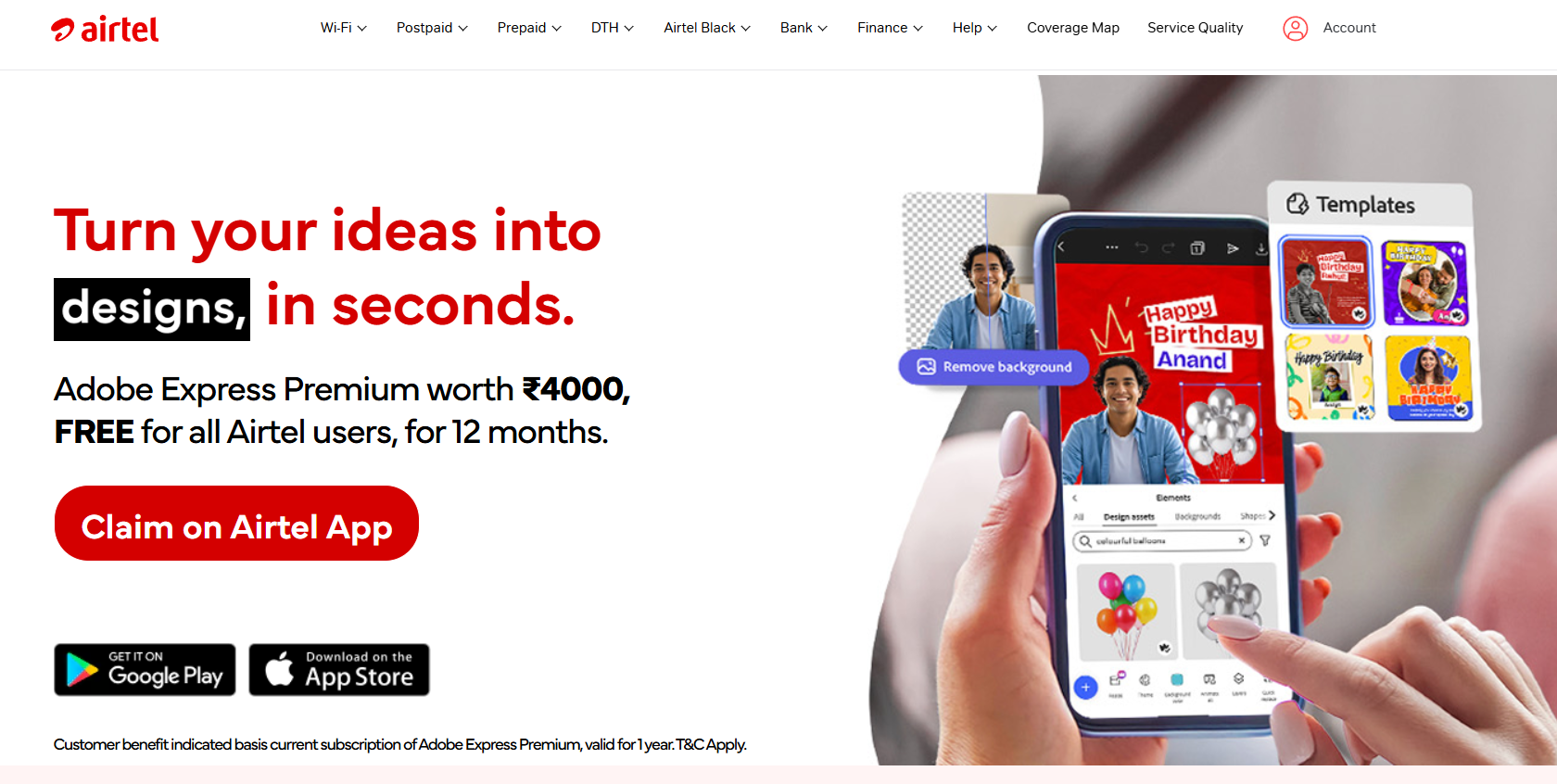
Start by downloading the Airtel Thanks application from the Play Store or App Store. Login using your Airtel number to access rewards and premium offers.
Download Airtel Thanks app
Login with Airtel number
Check rewards eligibility
Open Play Store or App Store
Install Airtel Thanks
Login to your Airtel account
2. Find Adobe Express Premium Offer
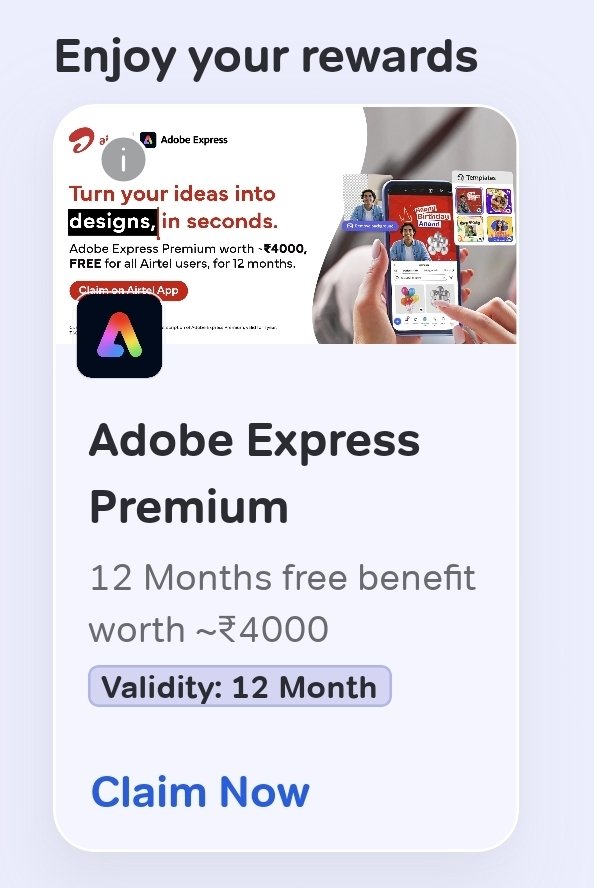
Inside the rewards or benefits section, search for the Adobe Express Premium offer provided by Airtel.
Open rewards section
Find Adobe Express Premium
Check activation availability
Go to rewards tab
Locate Adobe Express offer
Tap redeem
3. Activate Adobe Express Premium
Complete the Adobe Express Premium activation process using your Adobe account.
Create Adobe account if needed
Verify email address
Finish premium activation
Open Adobe activation page
Login or signup
Activate Adobe Express Premium
4. Open Adobe Benefits Section
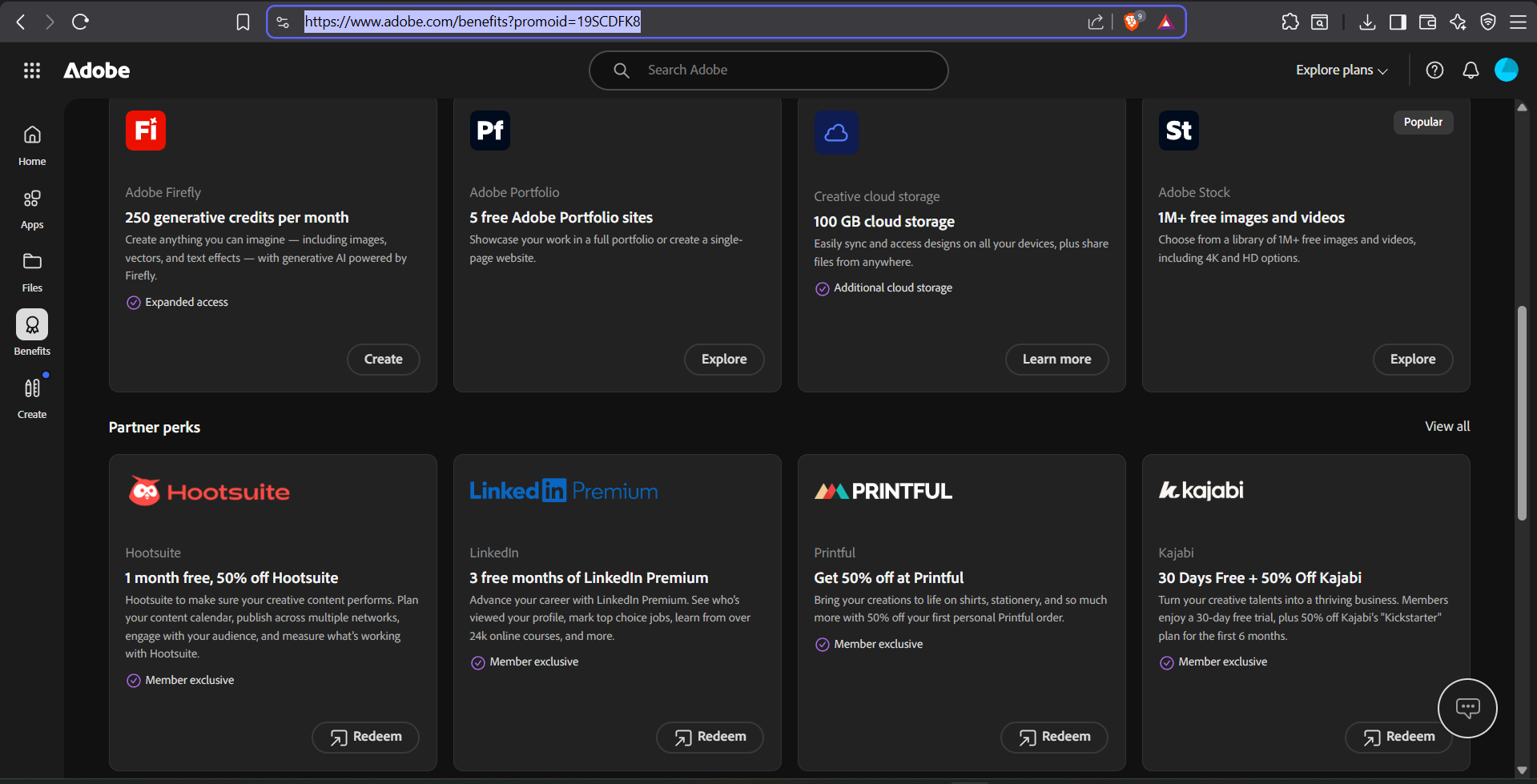
After activation, login to your Adobe account dashboard and check for partner benefits or promotional offers.
Visit Adobe dashboard
Check benefits section
Look for LinkedIn Premium offer
Login to Adobe website
Navigate to account benefits
Find LinkedIn Premium promotion
5. Activate LinkedIn Premium
Click the LinkedIn Premium offer and continue the setup process by logging into your LinkedIn account.
Use your main LinkedIn account
Verify premium trial duration
Continue activation process
Open LinkedIn offer
Login to LinkedIn
Start Premium activation
6. Setup Autopay to Complete Activation
LinkedIn may ask for a payment method to activate the free trial. Add your card or payment method to enable autopay temporarily. You will not be charged during the trial period if canceled before renewal.
Required for trial verification
No payment during active free trial
Cancel anytime before renewal
Add payment method
Enable autopay setup
Complete LinkedIn Premium activation
Cancel subscription before trial ends
7. Enjoy LinkedIn Premium Features
Once activated, you can access LinkedIn Learning, recruiter insights, advanced profile analytics, and networking tools.
LinkedIn Learning access
Recruiter profile insights
Advanced networking tools
Profile viewer analytics