After activating LinkedIn Premium, many users miss the hidden partner rewards section. Inside LinkedIn Premium benefits, you can sometimes find exclusive offers like Lovable Premium access with free credits. This guide explains how to claim it step-by-step.
1. Activate LinkedIn Premium First
Before accessing Lovable partner rewards, make sure your LinkedIn Premium subscription is active.
LinkedIn Premium required
Use active LinkedIn account
Benefits vary by region
Open LinkedIn
Verify Premium access
Continue to benefits section
2. Open LinkedIn Premium Benefits
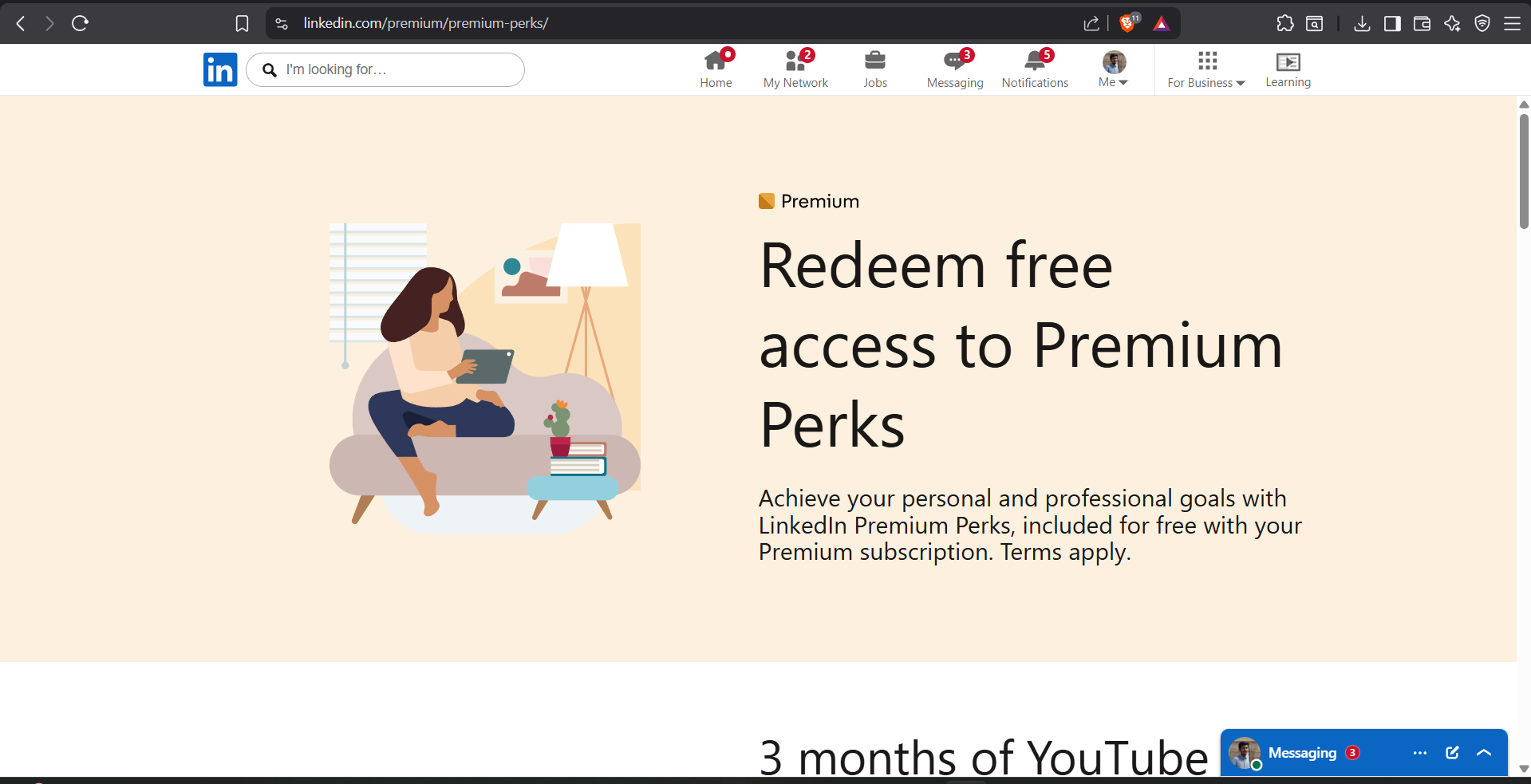
Inside the LinkedIn Premium dashboard, navigate to the partner offers or benefits section where additional rewards are listed.
Find hidden partner offers
Explore productivity rewards
Offers update regularly
Open LinkedIn Premium
Navigate to benefits page
Scroll through partner rewards
3. Find the Lovable Premium Offer
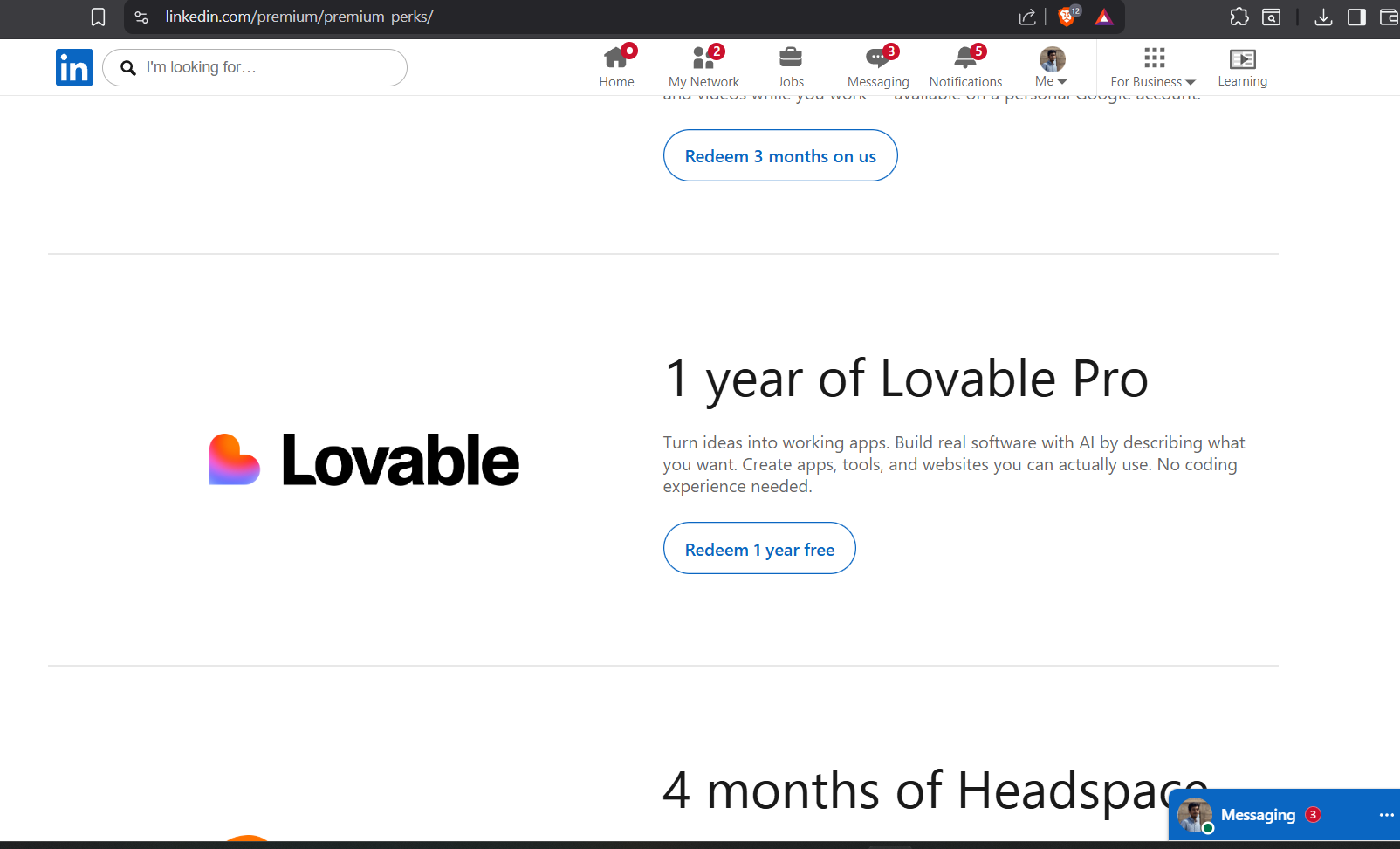
Look for the Lovable AI partner offer inside the benefits section. Some users receive free premium access along with bonus AI credits.
1 year premium access
Free Lovable credits
Exclusive LinkedIn partner offer
Locate Lovable AI offer
Open offer page
Continue to activation
4. Login or Create a Lovable Account
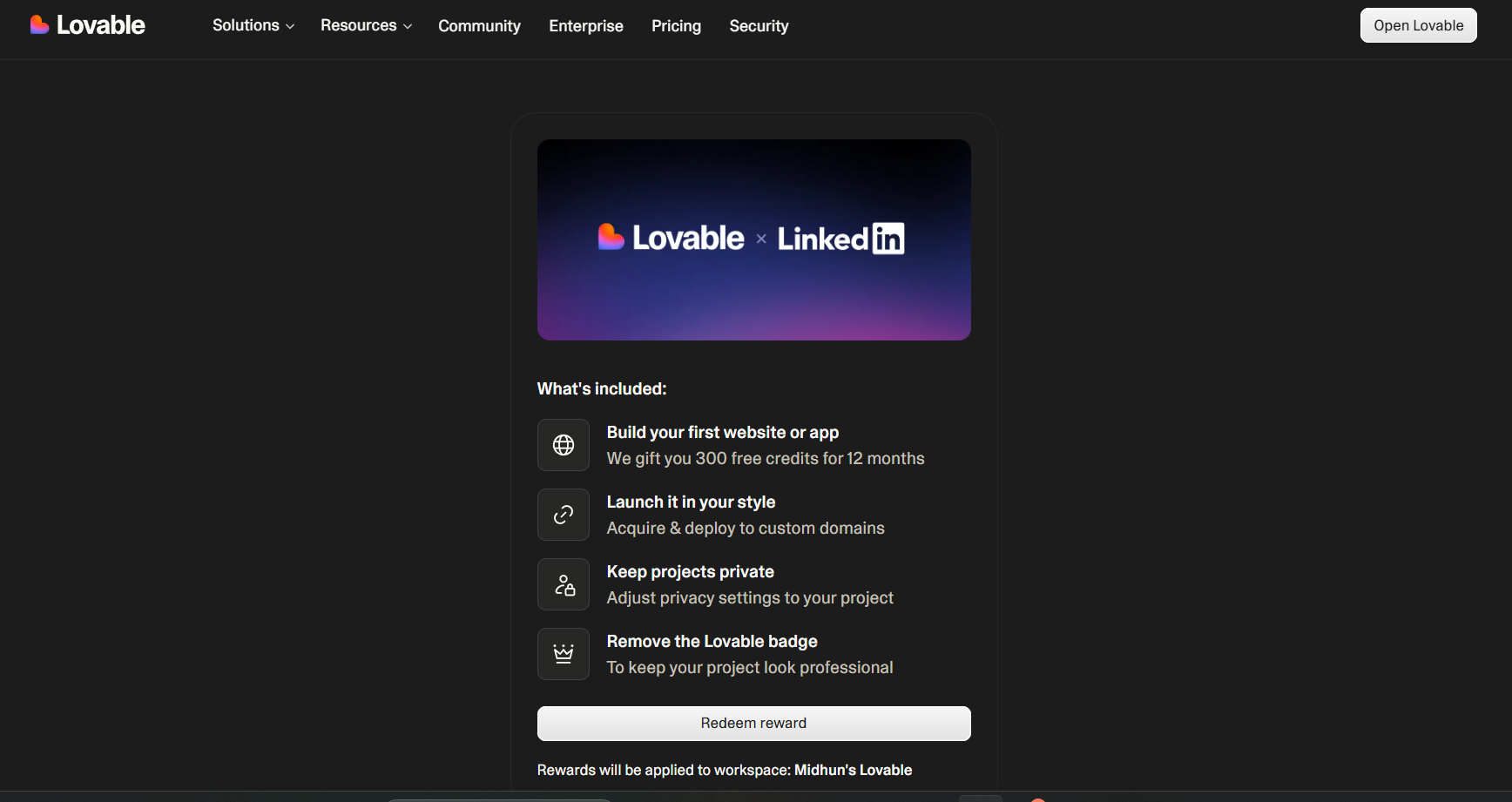
To redeem the offer, login using your existing Lovable account or create a new one.
Use valid email address
Verify account if needed
Complete signup process
Open Lovable website
Login or signup
Continue redemption process
5. Claim Free Premium Credits
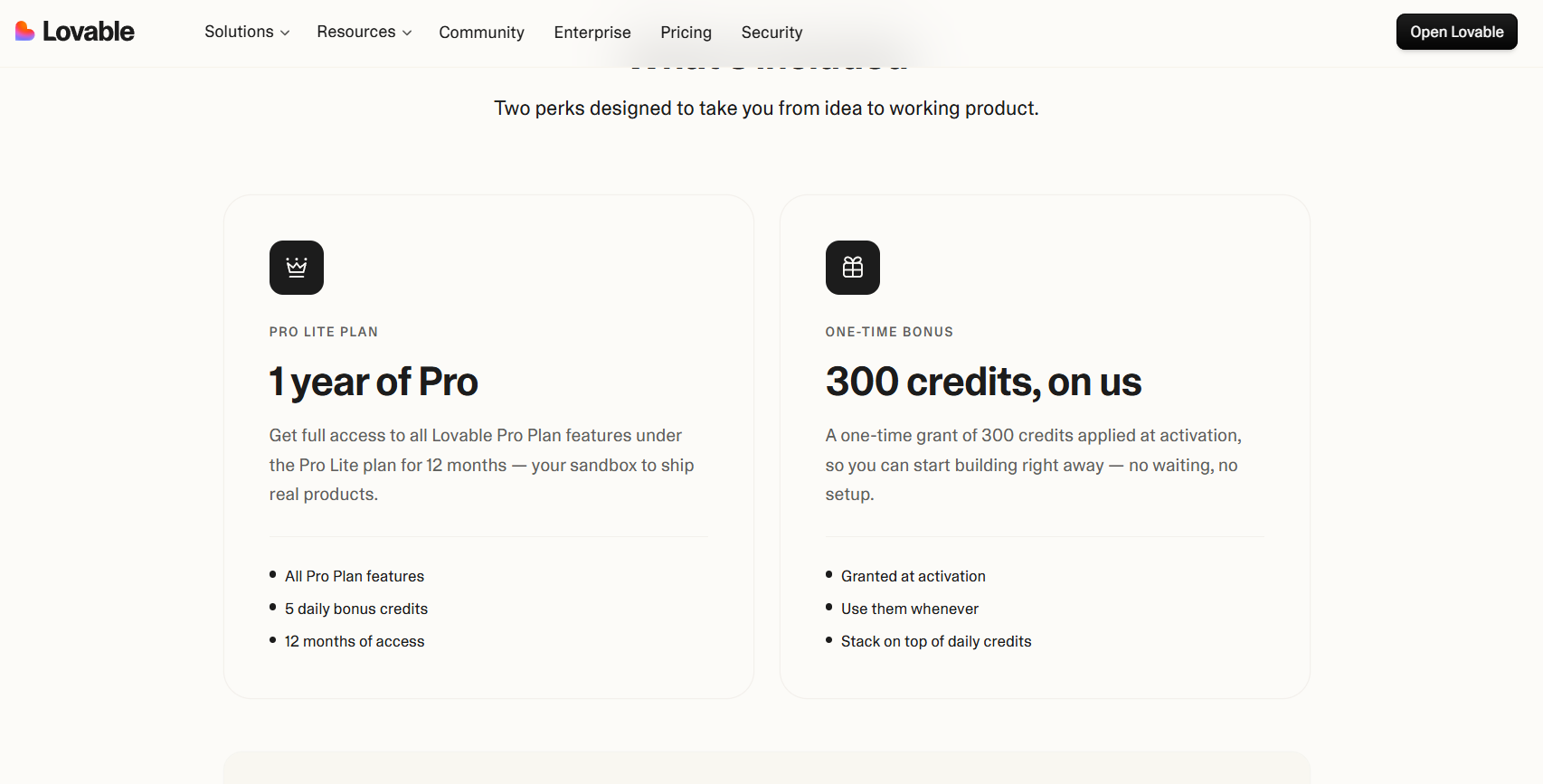
After activation, the free premium credits will be added to your Lovable account automatically if the offer is available.
Credits may vary by account
Premium features unlocked
Check account dashboard
Finish activation
Open Lovable dashboard
Verify premium credits
6. Important Notes About the Offer
LinkedIn partner offers can change anytime depending on promotions, country, or account eligibility. If the Lovable offer is unavailable, check again later because offers rotate frequently.
Offers may expire
Availability differs by region
Check benefits regularly